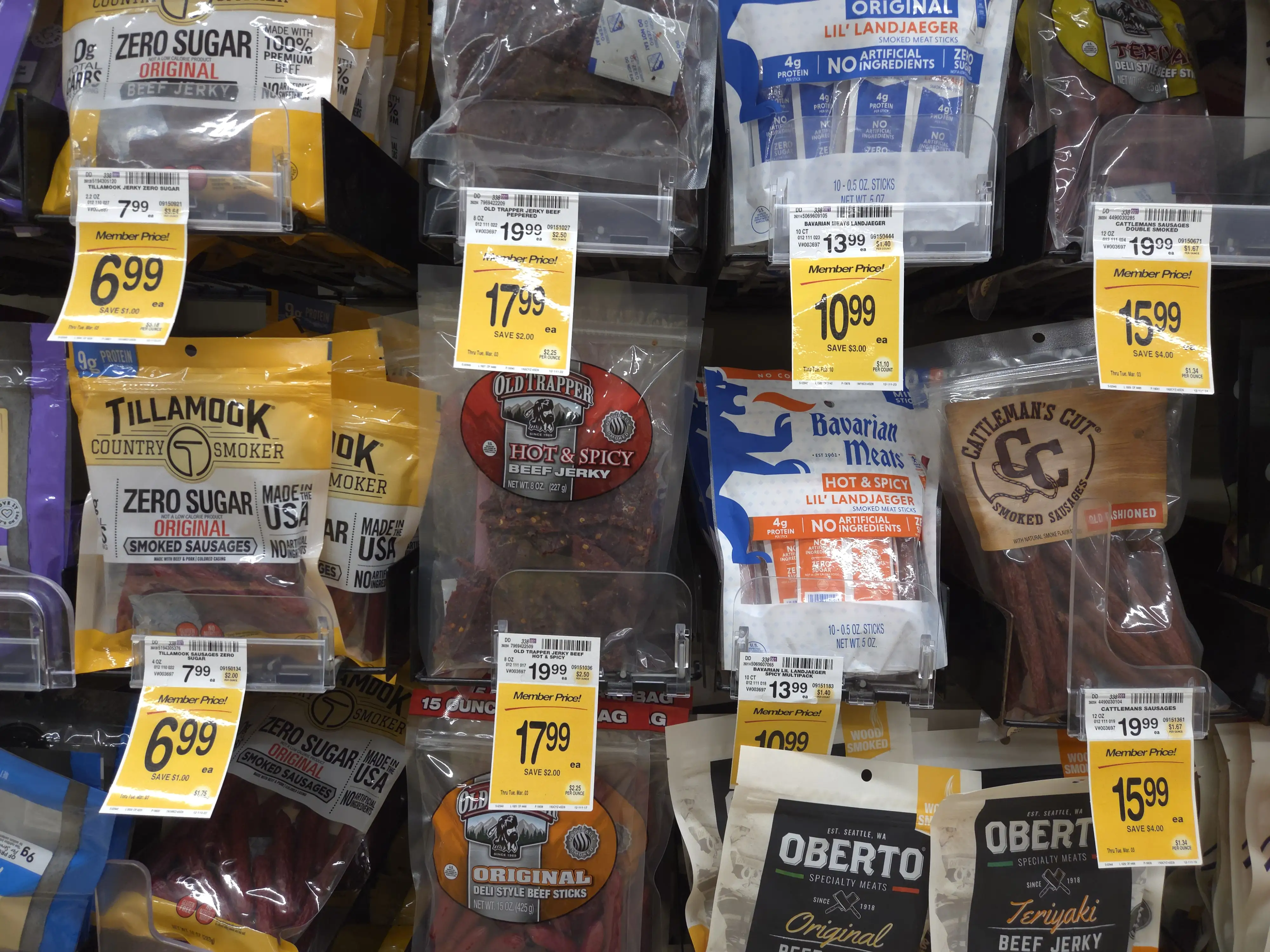
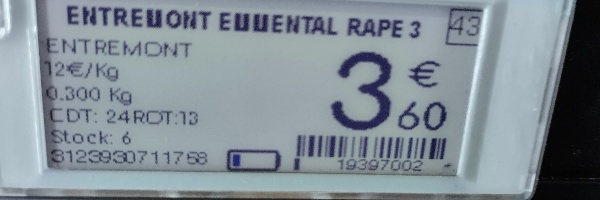
01
Photograph the shelf
Capture products and price tags together. Save photos offline and sync when you’re connected.
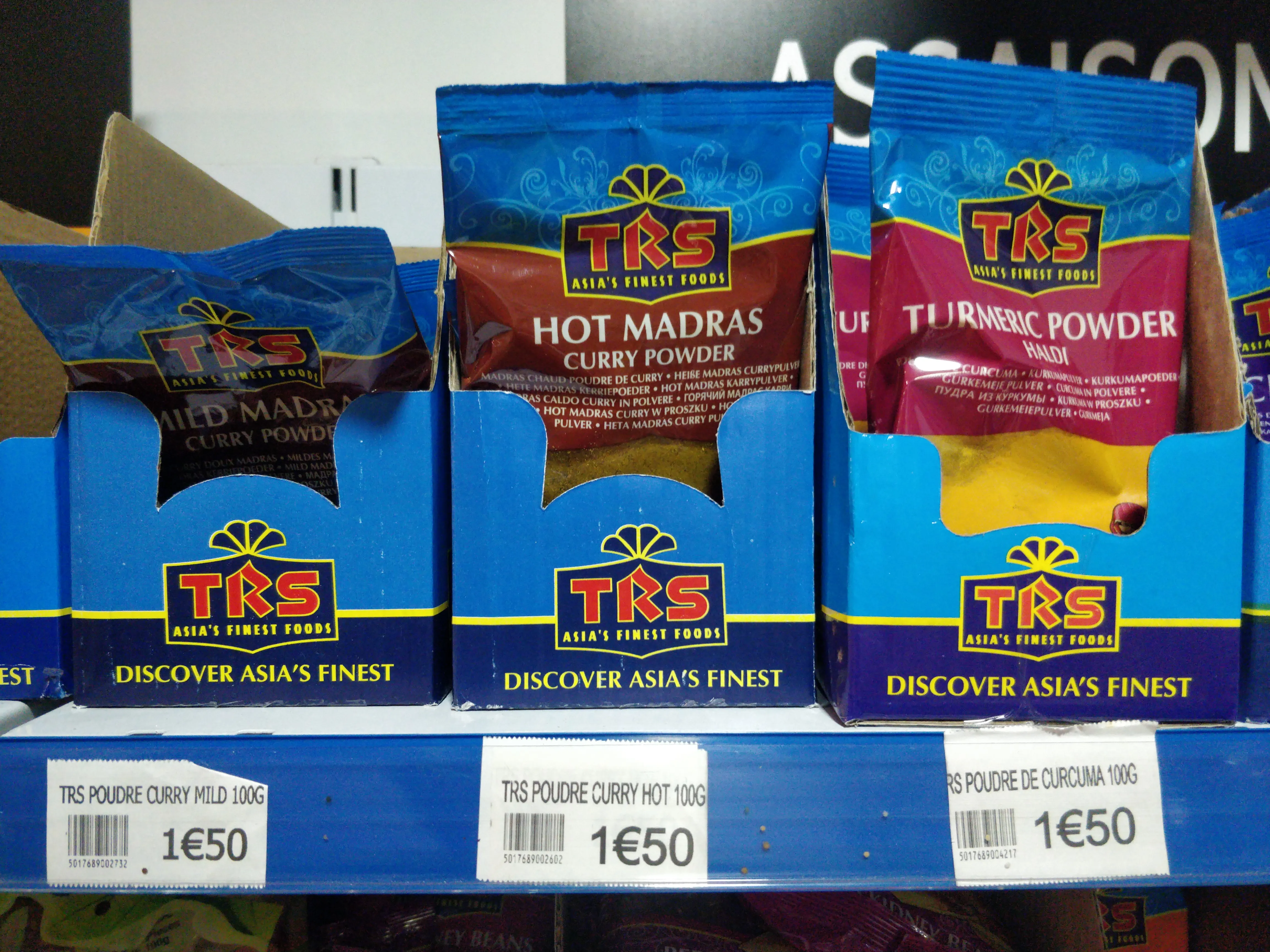
Photo savedSync when online
Capture product names, barcodes, sizes and prices.
Export the results to your audit report.
| Product | Size | Price |
|---|---|---|
| TRS Poudre Curry Mild5017689002732 | 100 g | €1.50 |
| TRS Poudre Curry Hot5017689002602 | 100 g | €1.50 |
| TRS Poudre de Curcuma5017689004217 | 100 g | €1.50 |
How it works
Capture products and price tags together. Save photos offline and sync when you’re connected.
Group captures by store and visit. Check each reading against its photo, correct any mistakes and mark it as validated.
Get names, barcodes, sizes, regular prices and promotional prices in an Excel report.
Book a demo
Tell us what your team needs to capture. We’ll get in touch to arrange a walkthrough.
Questions
Capture the data your audit needs. By default, TagQuill reads product names, barcodes, weight or volume, and regular and promotional prices. We can configure additional fields around your requirements, provided the information is visible in the photos.
Our pipeline includes AI validation checks. Your human reviewers also get a dedicated workflow to move through captures, compare readings with the original photos, correct mistakes and mark results as validated.
No. Auditors capture photos through their phone’s browser.
Yes. Photos are saved on the phone and processed after syncing. Reading the labels requires a connection.
Yes. TagQuill can read multiple visible price tags in a shelf photo. Clear, close photos help with small text.
An Excel report with product names, barcodes, sizes, regular and promotional prices, and links to the source photos.